Google's AI Quietly Rewrote Her Keywords — the Honey Trap Inside Your Google Ads Account
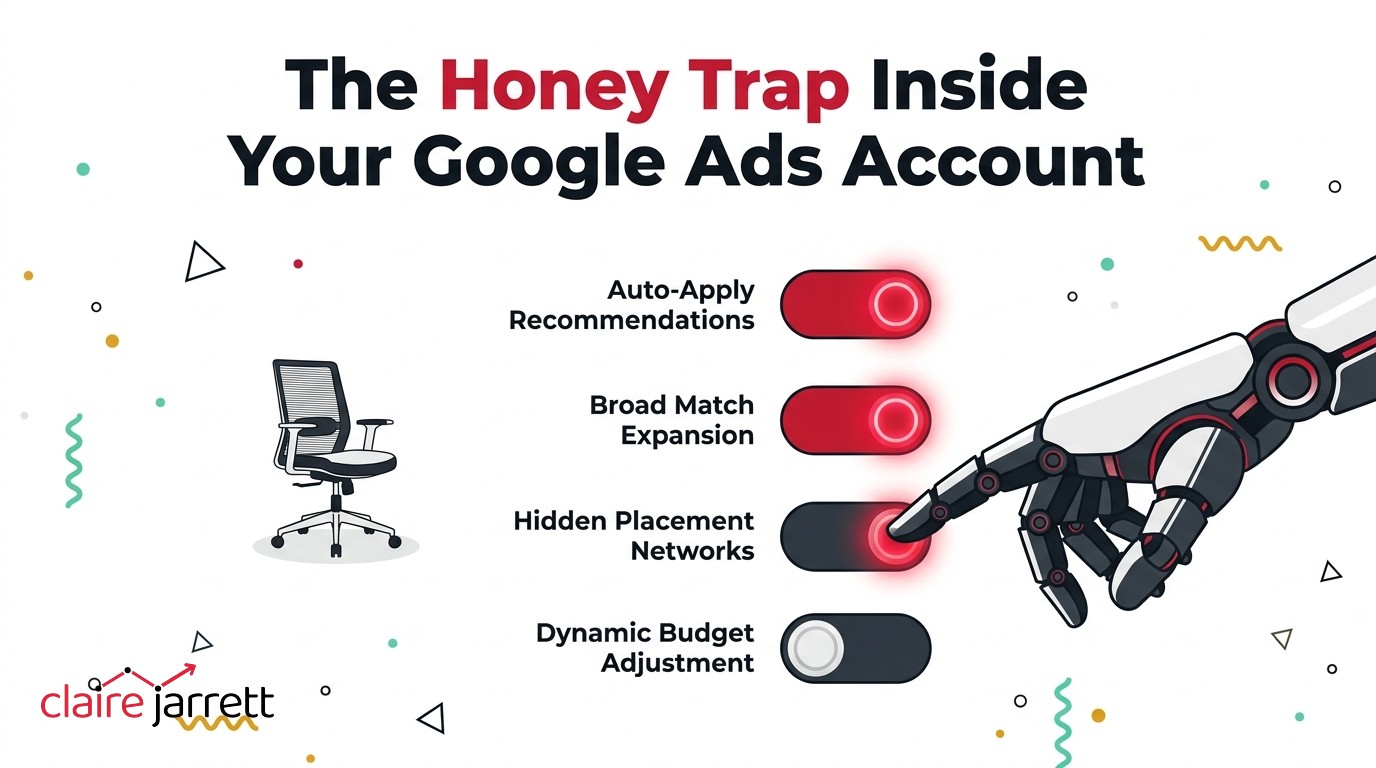
This week I was on a call with a dentist who manages her own Google Ads. She’s smart, she watches her search terms, she adds her own negative keywords. And a few months ago she noticed her results changing — for the worse. When she dug into the account, she found Google’s AI had been converting her keywords to broad match. Not a suggestion. Not a pop-up. It was quietly updating them for her.
Her words: “They put me in the trap of the AI. I learned quickly that that was a trap… it was like a honey trap.”
I laughed when she told me — not at her. Because I hear this exact story all the time. Dentists find their way to me a lot — I wrote the book on Google Ads for doctors and dentists — and this one has become almost routine. My earlier post was about whether you should hand your Google Ads over to ChatGPT or Claude. This one is about the AI you never chose: the one Google has already put inside your account. By the way, if it feels like the whole platform has got harder to read lately, you’re not imagining that either.
What “auto-applied recommendations” actually means
If you open your Google Ads account, you’ll find a Recommendations tab. Some of those recommendations are sensible. Most exist to make Google money. I covered why I don’t chase the optimisation score in my audit-mistakes post — the score measures how well you follow Google’s advice, not how well your account performs.
But there’s a layer beneath the Recommendations tab that most business owners have never seen: a setting that lets Google apply its recommendations automatically. No email. No approval step. Google makes the change, and unless you go looking in your change history, you’ll never know it happened.
With auto-apply switched on, Google will help itself. It will:
- Convert your carefully chosen keywords to broad match
- Add new keywords it thinks are “relevant”
- Remove keywords it has decided aren’t worth keeping
- Edit your ad copy
- Change your bidding strategy
- Move budget between campaigns
- Change which conversions count as conversions
Here’s what that wall of “help” actually looks like inside a real account — every card with its own Apply button, every one of them promising a percentage uplift:
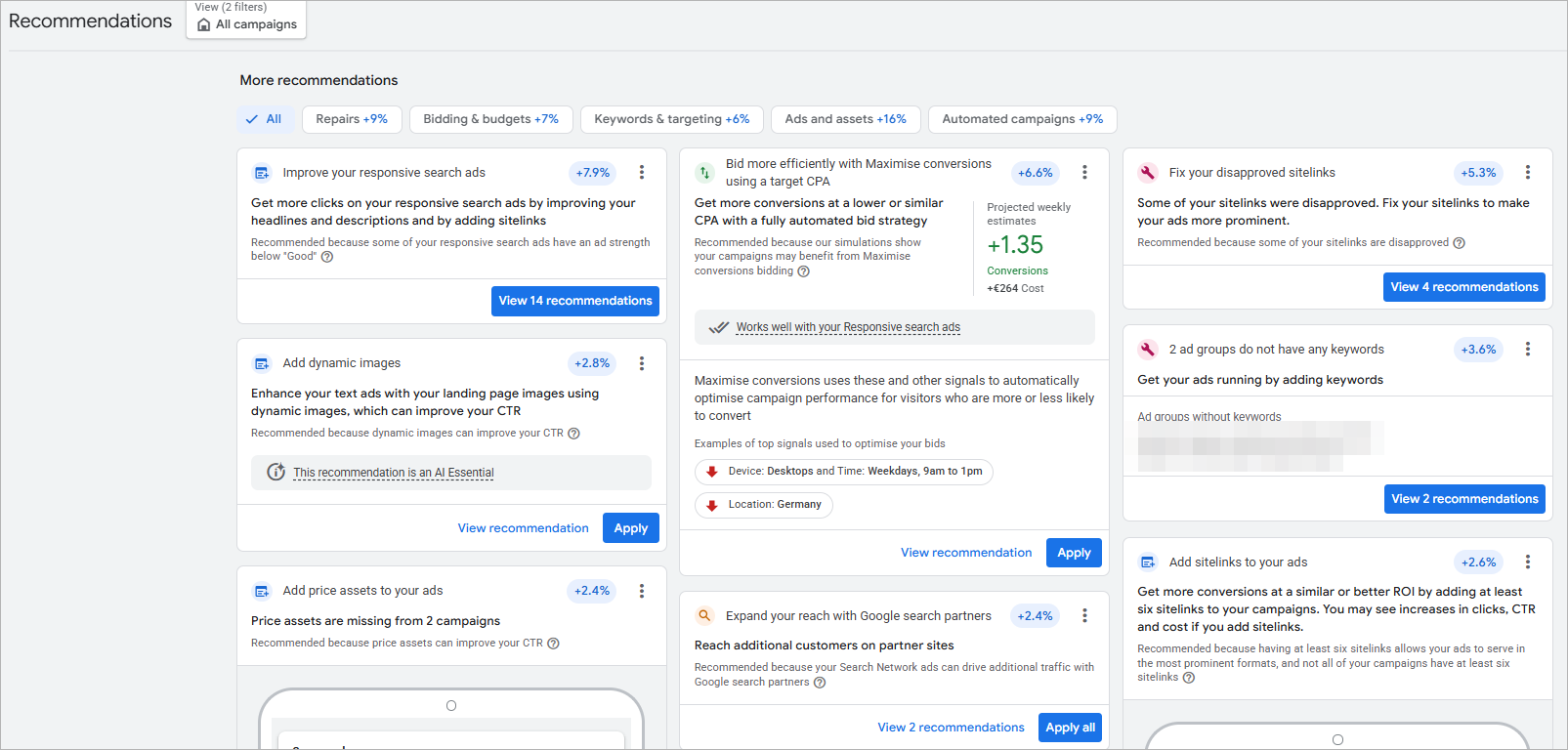
In one account I audited recently — a job board — I found several of these switched on. Google had opted to change their ads, change their keywords, and change their keyword types. Each one of those on its own could drop the performance of an account. All three combined are absolutely dreadful — and the owner had no idea any of it was happening. In a flight booking account, the change history showed Google had been removing keywords, editing the bidding and “upgrading” the tracking — all of it automated, none of it asked for.
Why this gets switched on behind your back
Here’s the part I’d want every business owner to understand. If you’ve ever had a call from a friendly Google rep offering to “help optimise your account”, this is usually where it leads. The reps are incentivised on getting your spend up — not your results.
And it goes further than the reps. I run a Google Partner agency, so I see this from the inside. Agencies are actively incentivised to switch auto-applied recommendations on across their client accounts. We get offered points and vouchers — real things, hotels, flights, gifts — based partly on how many accounts are following Google’s recommendations. That is the machinery behind that helpful phone call.
So when an agency tells you auto-apply is “best practice”, bear in mind: somebody is being rewarded for that setting, and it isn’t you. I’ve written before about whether you should auto-apply Google’s recommendations — my answer hasn’t changed. We turn every single one of them off, on every account we manage.
What the damage looks like: 15 leads a day to 2
Let me show you what this does to a real business.
I audited an orthodontics practice with a healthy budget. The account had huge amounts of Google’s AI recommendations applied — tons of them, with Google continuing to make changes on an ongoing basis. Display network campaigns it hadn’t asked for. Performance Max soaking up budget on brand searches it would have got anyway. Hundreds of keywords thrown together.
The result? The practice had gone from 15 leads a day to 2.
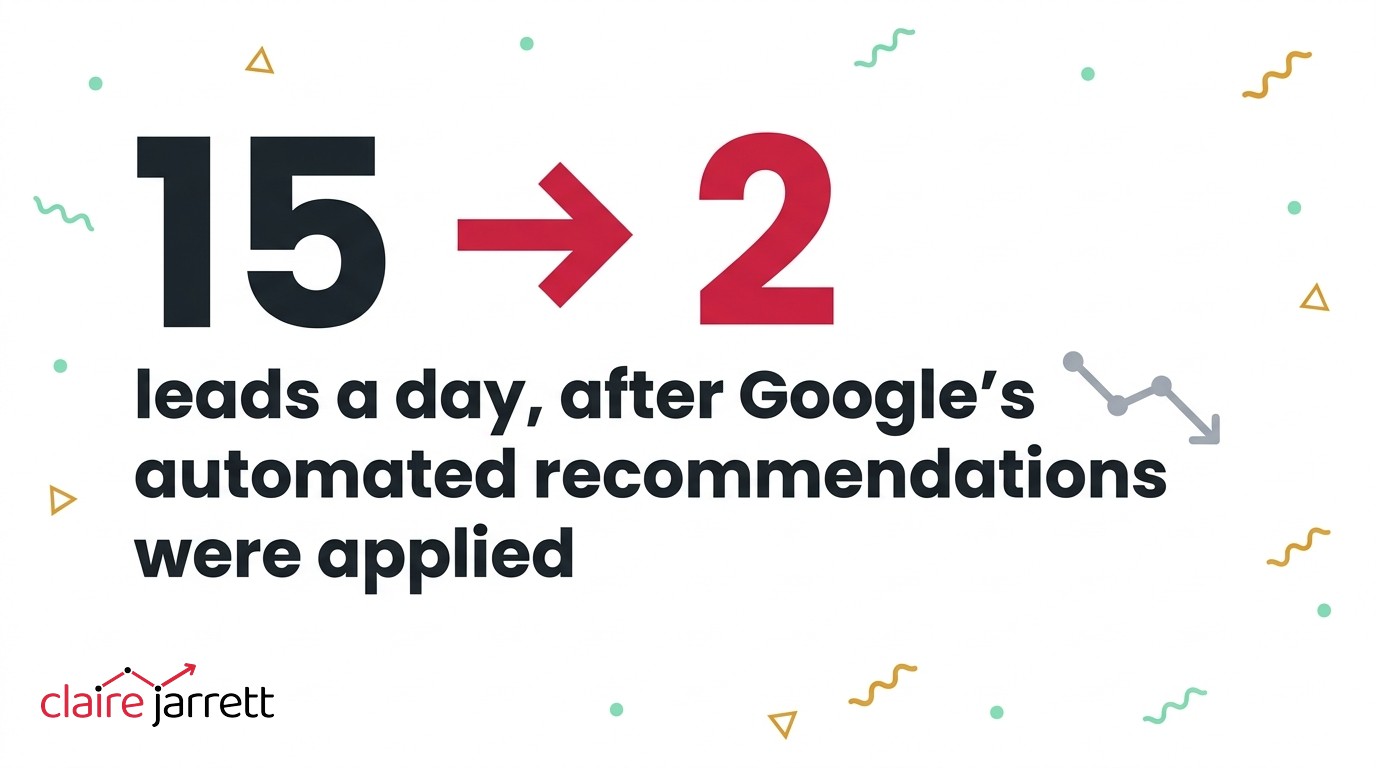
Nobody at the practice had made those changes. Nobody at the practice could explain them, either — which is exactly the problem. When Google is making changes on an ongoing basis, the account drifts further from what you built, month after month, and your results drift with it.
The flight company was the same pattern earlier in its life. I’ve watched Google take an account that was performing really well — lots of smaller keywords, each quietly bringing in conversions at a low cost — switch those keywords off because it wanted to “focus on the AI”, convert what remained to broad match, and kill the results. An account can go from performing brilliantly to being dead in the space of two months. Not because the market changed. Because Google’s own recommendations rewired it.
Why your dashboard won’t warn you
Here’s the cheeky part. While all of this is happening, your dashboard usually looks fine. Sometimes it looks better than ever.
That’s because Google’s AI optimises for whatever your account counts as a conversion — and in most accounts, that’s the wrong thing. I audited a law firm where Google had decided that somebody looking up directions on a map counted as a conversion. The cost per conversion looked great. But who wants a “lead” that’s just someone finding you on a map? As I said on that call: the cost per conversion looks good because they’re rubbish conversions.
A business loans broker came to me with an optimisation score of 100%. A perfect score — and an account full of payday loan enquiries from consumers. Not one genuine business loan lead in sight. And because the campaign was set to maximise conversions, Google thought it was doing a wonderful job: it found a “lead”, went looking for more of the same, and brought in more and more of the rubbish. That’s the death spiral — the AI feeds on its own bad data and the problem gets worse and worse and worse.
This is why the honey trap works. The metrics that Google shows you keep going up while the number that actually matters — qualified enquiries from people who can become clients — quietly collapses. If your conversion tracking is counting the wrong things, Google’s AI will scale the wrong things. It multiplies your setup, not your hopes.
What I would switch off this week
You don’t need an expert to protect yourself from this. You need ten minutes and a healthy suspicion of anything labelled “recommended”.
- Turn off auto-apply. In Google Ads, go to the Recommendations tab, find the auto-apply settings, and switch every single one off. The only one I ever leave on is optimised ad rotation.
- Check your change history. Filter the last 90 days and look for changes you didn’t make. If you see keywords changed to broad match, keywords added or removed, or bidding changes you don’t recognise — now you know who made them.
- Check your match types. If keywords you set up as exact or phrase are now showing as broad, that’s the trap in action. Here’s my guide to match types if you want to put it right.
- Look at what’s counting as a conversion. If page visits, map directions or accidental phone taps are in there, the AI has been optimising towards them all along.
- Be polite to your Google rep — and decline. They’re not bad people. They’re just not working for you.
The bigger point
If you read my earlier post on using AI to run your Google Ads, you’ll see where this lands. People ask me whether they should let AI run their Google Ads, and here’s what I keep coming back to: Google’s own AI — with complete access to your account, your data and twenty years of search history — takes well-performing accounts and runs them into the ground. It changes keywords nobody asked it to change, chases conversions that aren’t real, and rewards everybody in the chain except the business paying the bill.
If that’s what Google’s own AI does, and we’re going to put other AIs in charge of accounts on top of it, what hope do we have without guardrails? That’s the real job now — and it’s what I find myself doing on every account we touch: putting very tight guardrails around Google. Telling it exactly what we want, and exactly where it’s not allowed to go.
AI isn’t going anywhere, and neither is Google’s automation. The businesses that win won’t be the ones who trust it or the ones who refuse to touch it. They’ll be the ones who know exactly what it’s doing inside their account — and keep their hands on the wheel.
A few questions I get asked
How do I know if auto-apply is on in my account? Open Google Ads, go to Recommendations, and look for the auto-apply settings (Google moves this around, but it’s there). Anything ticked is something Google is allowed to change without telling you. Your change history will show you what it’s already done.
Will my performance drop if I turn auto-apply off? Your reported numbers might dip — because some of what was being counted was never real. The accounts I audit almost always look worse on paper and perform better in reality once the junk is stripped out. Expect a short adjustment period, then cleaner data and better leads.
My agency says Google’s recommendations are best practice. Are they wrong? Ask them two questions: which auto-apply settings are on in your account, and what they receive from Google for keeping them on. Their answers will tell you everything. A good agency reviews recommendations one at a time and dismisses most of them.
Is broad match always bad? No — in the right structure, with tight negative keywords and accurate conversion data, it has its place. What’s bad is Google converting your keywords to broad match for you, in an account with loose tracking and no negative keywords. That’s not strategy. That’s spend expansion.
Two ways I can help you get this right
Not sure what Google’s been doing inside your account? Book a free Google Ads call and I’ll go through it with you — including the change history — and tell you the truth about what I find.
Or register for my free masterclass — How to Overtake Your Top Google Ads Competitors in 8 Weeks — and I’ll walk you through the whole approach.

Claire Jarrett
Google Ads consultant since 2007, published author (6 books), and Google Partner. Claire was the first person to launch Google Ads training in Europe and has helped thousands of professional service businesses scale their leads.
More about Claire